Analytics Console - Reporting Platform
The Analytics Console is a self-serve reporting platform where you can access, create, and manage reports based on roles and permissions which are driven through access control. You can find more information about different roles and permissions in the section on the Applications tab.
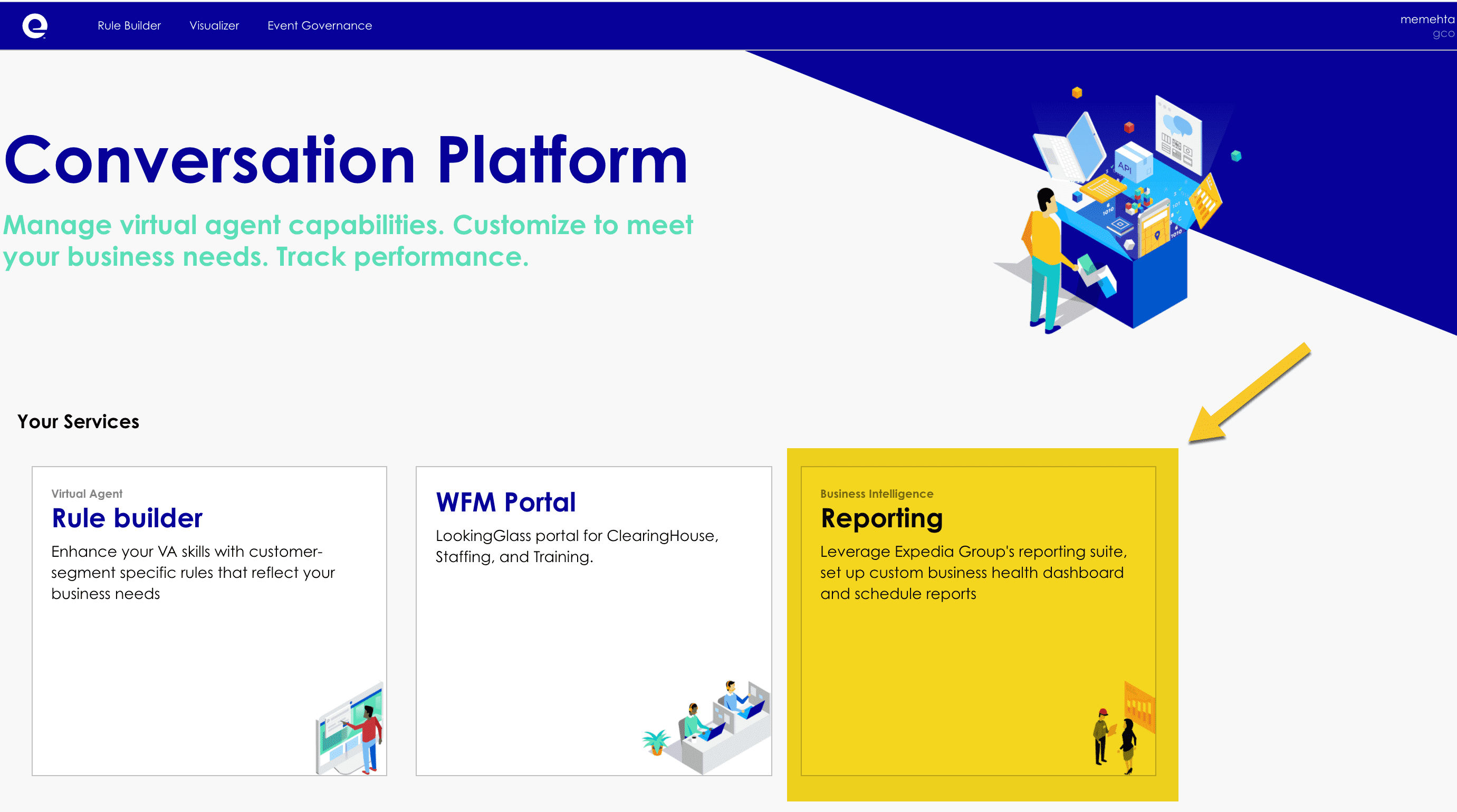
Partner admin and Analytics user roles can access the Analytics Console by clicking the Reporting card shown on the VAP Console (https://console.vap.expedia.com).
Capabilities
- Partner-level access to CP Data
- Out-of-the box Default Reports and dashboards
- Build and customize your own reports
- Configure custom reporting alerts and notifications
- Ad-hoc data analysis to explore your data at scale
- Link data directly into your own Excel Workbook for additional offline analysis
- Save your own customized versions of reports for later easy access
- Download data in a variety of formats
- Access to voice playback recordings

Trust and partner switch
The Analytics Console also supports trust and partner switch. From the trusting partners displayed in the dropdown menu, you can choose the partner you want to switch to as the context for the Analytics console. By default, the partner you belong to will be selected.
