Click To Call Feature
Click to Call is a feature which give agents the ability to directly call a participant through CRM tool by clicking on the contact information. This is platform feature and can be initiated with any CRM tool which is integrated with Softphone. For reference, we are currently using it with Salesforce.
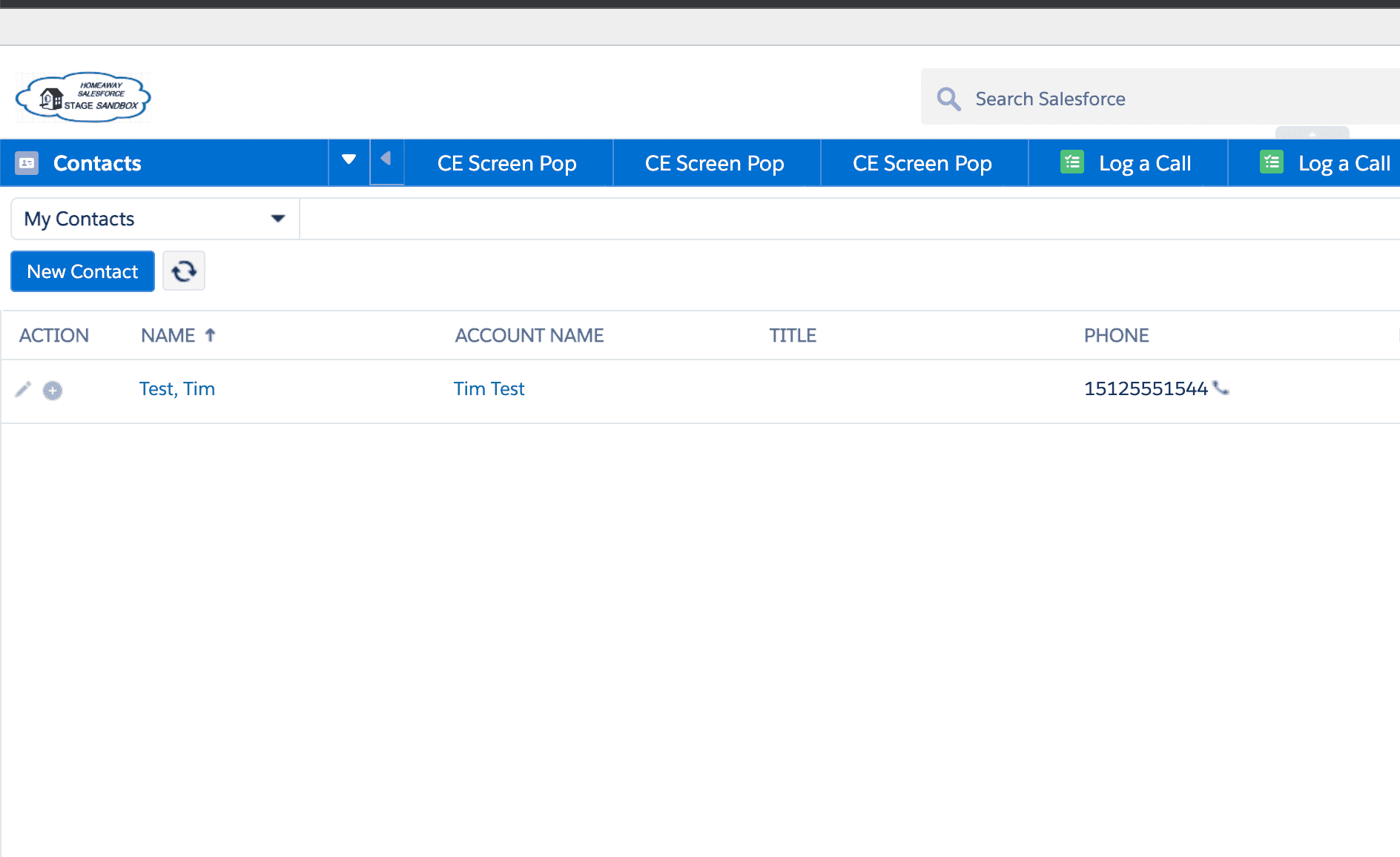
- After clicking on the phone icon, Softphone window will Pop-up and Agent can perform all the operations such as hold/resume/mute/unmute, Add participant or End Call like in any other Outbound Call.

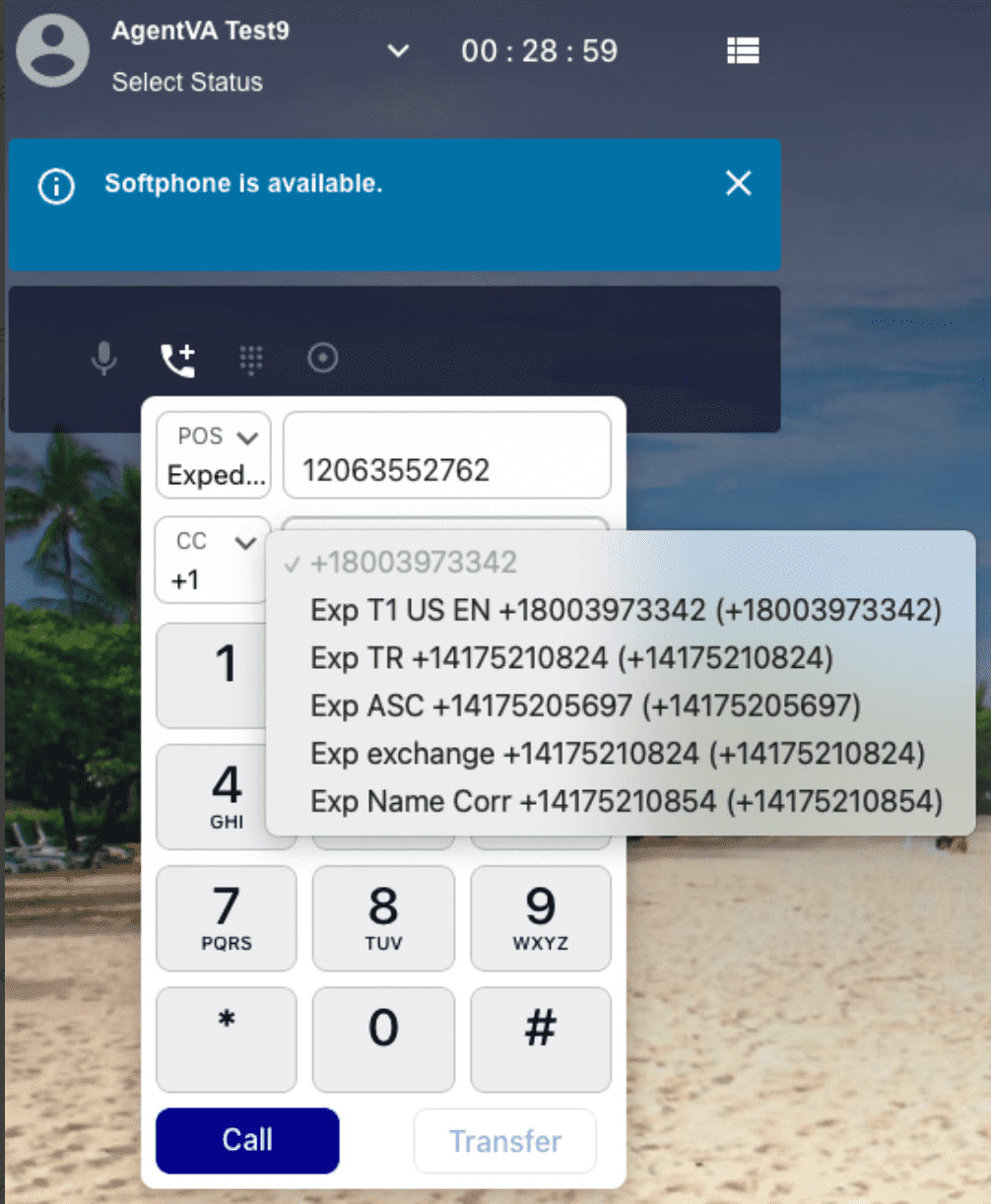
- Click To Call feature give agent the flexibility to decide the Caller ID that will be shown to the receiver of the call. The Caller ID options depends on certain fields like Point of Sale and Country Code of the dialed number.
There are following USE CASES to it:
1) One Caller ID associated with the Country Code of the dialed number
Agent Clicks Phone Number in CRM tool and Softphone will pop up and immediately start dialing the outbound number with the only present Caller ID for that country code.
2) Multiple Caller ID associated with the Country Code of the dialed number
Agent clicks phone number in CRM tool and Softphone with Point of Sale, Country Code, Caller ID and Call Recording feature set pops. There are multiple Caller IDs assigned to that country so the agent will see a short list of the Caller IDs that can be used for that country code. Call button is active after one of the Caller ID is selected.