Dashboards and Reports
Out of the Box Reports (Default Reports)
These are the default reports provided by Analytics and Reporting. Although the reports will be available for all users, they will only show the data corresponding to the partner that the logged-in user belongs to. We are continually adding additional default reports to the platform which will be available to the users automatically when they login in.
The following reports are available as of today for every Partner account :
Report Name |
Summary |
Example |
|---|---|---|
Conversation Entry Points |
Summary details of customer engagement and volume of customer conversations in the Virtual Agent Control. |
|
Conversation Platform Executive Summary |
Summary details of health of the business on the Conversation Platform. |
|
| Virtual Agent Performance | Summary details of effectiveness of agents serving customers and survey analysis |
|
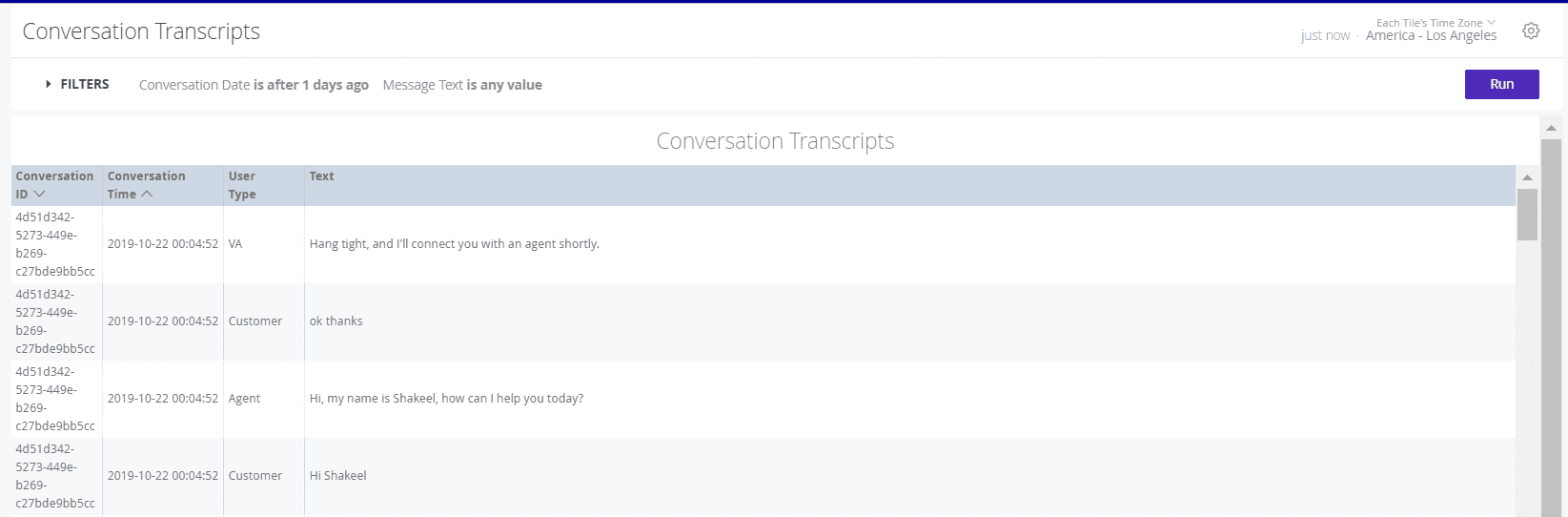
Conversation transcripts |
Summary details of the message exchange between customer and VA/Agent. |
|


Shared Reports
These are the reports created by the Partner Administrator and are available to all the users of that partner.
Personal Reports
These are the reports that are created by the logged-in user. These reports are only available to the logged-in user. Users with Publisher/Analyst role can save a report to their personal space that is accessible to them only.
All Users Reports
These are the reports that are visible to any Partner Admin/Publisher to view the personal reports of users belonging to that partner.